
NEW NULLA BAR FLAVORS
In-Stock Now!

Last Updated: October 12, 2026
Most guys pick a training app the way they pick a pre-workout: whatever's trending. That's backwards.
We've watched too many lifters run a generic program while taking creatine and a mass gainer, then wonder why the scale won't move.
Below, we break down what to look for by goal, where most people mess up, and how to measure real progress.
A workout planner app is software that builds and schedules your training sessions around a defined program, then logs what you actually did. The best ones remove the daily "what am I doing today" decision and replace it with a plan you follow.
Not every planner deserves your subscription. Check these boxes first:
Garage Gym Reviews' expert-tested roundup of the best workout apps notes that today's apps lean on structured plans and AI-created workouts tailored to your goals and experience level. That's the bar now.
For muscle gain, your app must track training volume and progressive overload. Volume is total work: sets times reps times weight. Progressive overload is adding weight, reps, or sets over time.
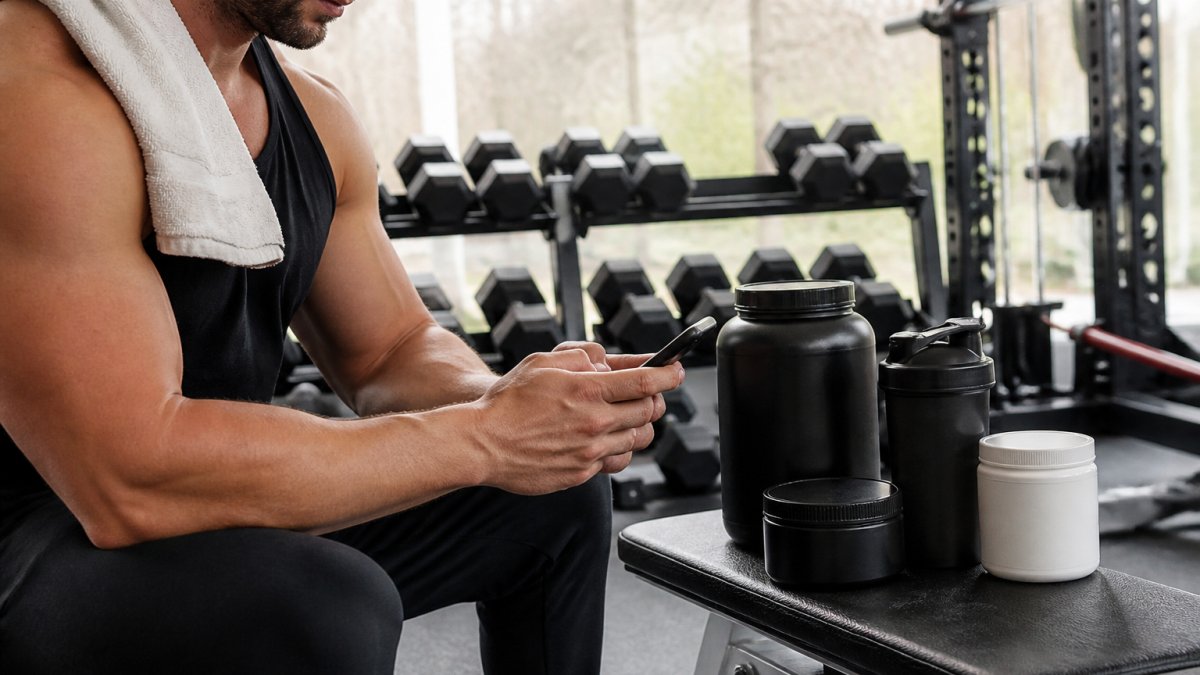
Here's how to match your app to a mass-building stack:
A common mistake is chasing new exercises instead of adding weight to the ones you have. Your app should make last week's numbers impossible to forget.
For body composition, you need a fitness app with nutrition tracking that handles calories and macros. Muscle gain and fat loss both come down to energy balance.
Here's the mechanism, plain: body weight moves when calories in and calories out diverge. Your app's job is to make that divergence visible and repeatable. Supplements, creatine, protein powder, a mass gainer, a fat burner, only matter inside that framework.
Skip the feature checklist. Judge a tracker on these five things:
This is where most app reviews stop and where you should start. Your supplement goal dictates which column you watch:
A cutting phase without a protein target is just weight loss, and you'll lose muscle with the fat. Nutrition tracking keeps that honest.
The same team behind the Journal of Medical Internet Research study on mobile apps and fitness trackers found that app-based tracking supports physical activity in health conscious users. Tracking works when you actually use it, and when you track the right variable for your goal.
A supplement tracking app manages your daily vitamin and supplement regimen. The SuppCo supplement scanner listing describes tools built to organize and optimize a daily supplement and vitamin routine. Useful? Sometimes.
Here's the honest take. If you take three or four staples, you don't need a separate app. A note on your phone does the job.
What matters more is knowing what you take and why. Match each supplement to a measurable goal:
| Goal | What to Track | Why It Matters |
|---|---|---|
| Muscle gain | Training volume, body weight | Confirms the stack is working |
| Fat loss | Calories, protein, waist | Protects muscle in a deficit |
| Strength | Top sets, estimated 1RM | Shows real force gains |
| Recovery | Sleep, soreness, session quality | Flags overtraining early |
That table is your decision framework. Pick the row that matches your goal, then pick an app that tracks those columns.
Measure results with the metric your goal actually moves, and give it enough time to move. Most people quit at week three because they expected week twelve results. That's not a supplement problem. That's a measurement problem.
Here's the framework: pick one primary metric per goal, one secondary metric for context, and one timeline you commit to before you start. Write them down.
| Goal | Primary Metric | Secondary Metric | Realistic Timeline |
|---|---|---|---|
| Muscle gain | Weekly training volume (sets x reps x weight) | Body weight, tape measurements | Visible change in 8-12 weeks |
| Strength | Top set weight or estimated 1RM | Session quality, bar speed | Noticeable in 4-6 weeks |
| Fat loss | Weekly average body weight | Waist measurement, progress photos | Steady change over 8-16 weeks |
| Recovery | Sleep hours, resting heart rate | Soreness, session performance | 2-4 weeks to see a trend |
| Body composition | Monthly comparison photos and tape | Weekly weight average | Judge monthly, not daily |
That table is your scoreboard. If your app can't track the primary metric for your goal, it's the wrong app, no matter how many features it has.
Daily weight swings are water, sodium, and food volume, not fat. A single bad session is fatigue, not a stalled program. The signal lives in the trend.
Training apps and supplement stacks are tools, not medical advice. If you take prescription medication, have a diagnosed condition, are pregnant, or are under 18, talk to a qualified clinician before adding supplements or changing your training load. Some ingredients interact with medications, stimulants with blood pressure meds, for example, and no app will catch that for you. Apps track data. They don't diagnose.
These apps store your weight, body fat, nutrition, sleep, and sometimes heart rate. That's sensitive information. Before you commit:
The biggest mistake is choosing an app for its features instead of your goal. A flashy app that doesn't track your key metric is worthless to you.
Watch for these:
A second mistake is switching apps every month. Consistency in tracking beats perfection in tool choice every single time.
The hard part isn't finding an app. It's committing to one that measures what your supplement goals actually require, then showing up long enough to see the data move.
Tiger Fitness makes that easier. We offer free workout plans, diet guides, fitness calculators through our free fitness tools and calculators, and a dedicated training app to keep your training and tracking in one place.
Get started with Tiger Fitness and build the stack, the plan, and the tracking that actually move the needle.
Yes, but most training apps focus on workouts, not supplement regimens. Dedicated supplement tracking apps let you log and manage your daily vitamins and supplements. If your main goal is training, a workout app that also supports nutrition and macro tracking gives you a more complete picture. The key is picking one tool that covers your primary goal instead of juggling three apps that each do one thing.
The best app for muscle gain is one that tracks training volume, progressive overload, and workout frequency. Some apps offer structured strength training programs with AI-created plans tailored to your experience level. Look for an exercise library, progress tracking, and the ability to log sets and reps so you can see whether you are actually getting stronger over time.
Start with your primary goal: muscle building, weight loss, or general wellness. For muscle gain, prioritize apps with strength training plans and volume tracking. For body composition, pick fitness apps with nutrition tracking and macro tracking. If you take multiple supplements, a supplement tracking app adds accountability. Check whether the app offers a free plan, how it handles your health data, and whether the subscription cost fits your budget before committing.
A 2022 study in the Journal of Medical Internet Research found a positive impact of mobile apps and fitness trackers on physical activity among a likely health conscious sample during the pandemic. The takeaway: apps support training consistency and accountability, but they are tools, not magic. Your results still depend on showing up, following a structured plan, and hitting your protein intake and calorie targets consistently. An app makes that easier to track, not automatic.
{"one"=>"Select 2 or 3 items to compare", "other"=>"{{ count }} of 3 items selected"}




Leave a comment