
NEW NULLA BAR FLAVORS
In-Stock Now!

Last Updated: November 6, 2026
Quick Summary
To check your supplement delivery status, start with the shipping confirmation email, which holds your tracking number and a link to the carrier's site. If you are a registered customer, your Tiger Fitness account order history also shows the status. Once you have a tracking number, the carrier's scan history tells you exactly where the package is.
Checking your supplement delivery status comes down to three places: your confirmation email, your Tiger Fitness account, and the carrier's tracking page. Work through them in order below to find where your package is.
Your shipping confirmation email is the fastest route to your supplement delivery status. Search your inbox for the sender name and the words "shipped" or "order confirmation."
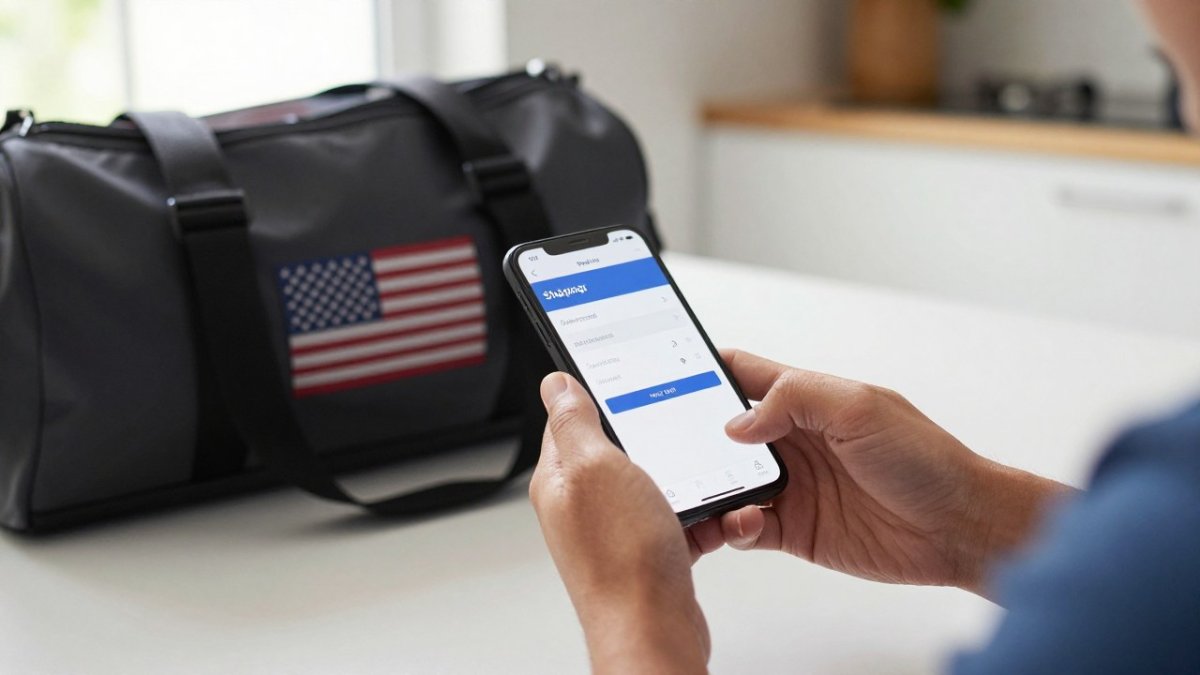
Open the email and look for:
Tap the tracking link and you will see the current status from the carrier's latest scan.
Watch out: if the email is in your spam folder, the tracking link may look suspicious to your mail app. Mark it as "not spam" first, then open the link.
If you cannot find the tracking link, the tracking number itself is enough. Copy it from your confirmation email or your account order history.
Then:
The tracking number is the same no matter where you look it up. If the carrier says "no information available," wait 24 hours. Labels often take a day to show scans after the seller creates them.
You do not need the email at all if you are a registered customer. Sign in to your Tiger Fitness account and open your order history.
Your order history is where to look for the order status and, once it ships, the tracking number.
Once you have a tracking number, the carrier site shows the scan history for your package.
If a "label created" status sits for a while, contact the seller with your order number for an update.
Check the last scan date before assuming something is wrong with the package.
One more thing: this is delivery tracking, not dose tracking. If you are trying to log whether you took your supplements, that is a different job, use a reminder app or a notebook for that. The carrier page only tells you where the box is.
Once you have a tracking number, the scan history shows exactly where your package stands, so match the status you see to the table below.
| Status | What it means | What to do |
|---|---|---|
| Label created | Seller printed the label; carrier hasn't scanned the box | Wait; contact seller if it sits |
| Accepted / picked up | Carrier has the package and scanned it at first facility | Movement is real; keep tracking |
| In transit | Package moving between carrier facilities | Expect multiple in-transit scans |
| Out for delivery | Driver has it on the truck | Expect delivery that day |
| Delivered | Carrier marked it delivered | Check door, porch, mailbox, neighbors |
| Delivery exception | Delivery attempted but blocked | Check door notice and tracking reason |
Many carriers offer apps for tracking packages. Install the app for your carrier, add the number, and turn on notifications.
Some phone mail apps also detect shipping emails and show tracking automatically. That is handy, but check the number yourself the first time. A quick look confirms it matches your order.
When a package looks wrong, work through these steps in order.
If the carrier marked the package delivered but you do not have it, do not wait. Contact the seller the same day with your order number and a screenshot of the delivered scan. Ask them to open a carrier claim, and keep the screenshot for your records.
If a package has no movement for an extended period, ask the seller whether they can start a trace with the carrier.
Watch out: do not share your tracking number or order number publicly, on social media, forums, or review sites. Anyone with that number can see your shipment details. Send it to the seller through their official support channel only.
If the package was lost or damaged, contact the seller, who handles the carrier claim. Keep your confirmation email and screenshots until the issue is resolved.
Start with the seller. Give them your order number, the tracking number, the last scan, and a clear description of what you checked. That information lets them act quickly.
Keep your confirmation email and screenshots. If the package never arrives, the seller will need proof of the order and the tracking history.
Get started by finding your confirmation email today. You can also sign in to your Tiger Fitness account to check your order status. And if you are planning your training and nutrition around a delivery, the FREE TOOLS & FITNESS CALCULATORS can help you map out your macros so you are not scrambling when the box is late.
Start with the shipping confirmation email the store sent when your order left the warehouse. It usually contains a tracking link and a tracking number. Click the link to see the carrier's latest scan. If you don't have the email, contact customer support with your order number.
The tracking number appears in the shipping confirmation email. Copy the number exactly, including any letters, and paste it into the website of the carrier named in that email.
Check around the delivery address first, including porches, side doors, and mailboxes, and ask anyone in the household. Then contact the store with your order number and tracking number, and ask for help with the next steps. Keep the delivery scan details ready when you call.
Many carriers offer apps where you can enter a tracking number and get updates. Pick the app for the carrier your order ships with, or use a general package tracking app that accepts multiple carriers.
{"one"=>"Select 2 or 3 items to compare", "other"=>"{{ count }} of 3 items selected"}







Leave a comment