



BEST FITNESS TRACKING APPS
Best Workout App for Home Training: 2026 Guide
Table of Contents
- How We Tested These Home Training Apps
- Quick Comparison: Best Workout App for Home Training
- What to Look For in Home Training Apps
- Best Fitness Tracking Apps for Strength and Muscle Gain
- How to Build a Home Gym That Supports Your App Training
- Home Workout Routine for Muscle Gain Using an App
- Common Mistakes When Choosing a Home Training App
- Conclusion: Pick the App, Then Put in the Work
- Frequently Asked Questions
Last Updated: September 15, 2026
How We Tested These Home Training Apps
Finding the best workout app for home training starts with one question: does it actually get you stronger, or just keep you busy? We evaluated apps on progression tracking, exercise library depth, free-tier value, and how well they support real strength work at home.
According to research on fitness applications for home-based training, mobile apps built around structured tracking and guidance measurably improve adherence to home training, especially when progression is logged rather than guessed. That's the whole ballgame. An app that doesn't track your lifts is a video player, not a training tool.
So here's our framework. We scored every app on five criteria:
| Criteria | What We Checked | Why It Matters |
|---|---|---|
| Progression tracking | Logs weight, reps, and volume over time | Drives muscle building |
| Exercise library | 200+ movements, video tutorials | Keeps training varied |
| Free tier value | Usable without paying | Tests before buying |
| Form guidance | Video demos, form correction cues | Reduces injury risk |
| Data sync | Wearable device integration | Tracks recovery and load |
The top-ranked apps share one trait: they treat home training as real training, not a watered-down substitute.
Quick Comparison: Best Workout App for Home Training
The best workout app for home training is the one that tracks your progression and adapts your program, not the one with the flashiest interface. Here's how the top options in 2026 stack up by category.
| App Category | Best For | Standout Feature | Free Tier |
|---|---|---|---|
| All-around home training | Beginners to intermediate | 300+ on-demand classes | Yes |
| Strength and muscle gain | Lifters tracking volume | AI-assisted progression logging | Limited |
| Low-impact home training | Joint-friendly routines | No-equipment modalities | Yes |
| Beginner-friendly | First-time home trainers | Guided starter plans | Yes |
Fortune's 2026 review of workout apps named Caliber a top overall pick for structured training plans, while Forbes Health's 2026 fitness app testing highlighted apps offering 300+ workouts for home environments. That tracks with what we see: breadth of programming plus tracking beats novelty every time.
What to Look For in Home Training Apps
A home training app delivers workouts, tracks performance, and adjusts your plan based on logged data. Miss any one of those and you're paying for a video library. Here's the filter I use before I'd let any app program my training.
Exercise Library and Progression Tracking
Exercise library depth separates serious apps from casual ones. Top platforms now carry over 300 workouts and 200+ distinct exercises, according to Centr's 2026 platform data. That range lets you rotate movements, hit muscles from different angles, and avoid the plateaus that kill home training progress.
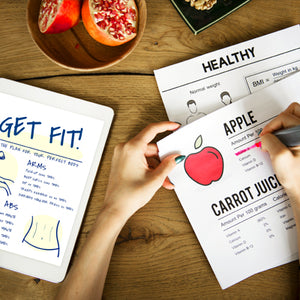
Progression tracking is the non-negotiable piece. If the app doesn't log your working weight and total training volume week over week, you have no idea if you're actually getting stronger. Apps like Jefit, Strong, and Hevy built their reputations on exactly this, and Jefit's 2026 app review notes AI tracking and detailed logging are now the features home trainers rank highest.
One mechanism worth understanding: volume load, sets x reps x weight. If your app only counts sets and reps, it can't tell a warmup set of 135 from a top set of 315. Volume load correlates with hypertrophy, so demand it.
Subscription Model vs. Free Tier
Free tiers are genuinely usable in 2026, but they have ceilings. Physiotherapy-led testing categorized FitOn as the best free option for beginners. Paid tiers unlock adaptive programming, deeper analytics, and one-on-one guidance. My rule: start free, then pay the moment you hit the ceiling. Don't pay for a year upfront on an app you've never logged a squat in.
Data Privacy and Health Information Security
This is the section almost nobody writes, and it should worry you. Your training log is health data, bodyweight, injuries, sleep, sometimes heart rate. Under U.S. law, most consumer fitness apps aren't covered by HIPAA, because HIPAA binds healthcare providers, insurers, and their business associates, not app developers. The privacy policy is the only contract protecting your data.
Before you install, do three things:
- Read the privacy policy and find the line about sharing data with third parties. If it says "business partners" without naming them, assume ad networks.
- Check whether the app lets you export or delete your full history. If you can't get your data out, you don't own it.
- Turn off background health sync to platforms you don't actively use. Every connected service is another copy of your data.
A common pattern: free apps monetize through data or ads, paid apps through subscriptions. Not a rule, but a useful prior when deciding what to trust with your training history.
Community and Accountability Features
Every guide mentions social features. Almost none tell you whether they work. Leaderboards and group challenges help short-term adherence, but the effect fades with novelty. What holds up over months is a small, named accountability group, three to eight people who see your logged sessions and notice when you skip. So don't ask "does it have a community?" Ask "can I form a private group with people I actually know, and can they see my training log?" If not, the social tab is decoration.
Pro Tip Log every set, even warmups. The lifters who stall at home are almost always the ones who "remember" their numbers instead of writing them down. Your app's progression chart is only as good as the data you feed it.
Smart Home Gym Integration
If you own a smart mirror, connected dumbbells, or a Bluetooth rack, check the integration list before you subscribe. Most apps are mobile-only; the ones that sync usually do it through Apple Health, Google Fit, or a direct partnership. If your hardware isn't supported, you'll re-enter numbers by hand, the friction that kills consistency.
Adaptive and Accessible Training
If you're training around an injury, limited mobility, or a physical disability, filter hard for apps with seated, low-impact, and adaptive programming. Most mainstream apps bury or skip it. The ones that do it well let you substitute movements mid-workout without losing progression history, which matters more than any class count.
Best Fitness Tracking Apps for Strength and Muscle Gain
Strength and muscle gain demand different tracking than general fitness: training volume, progressive overload, and recovery data, not a calorie burn estimate. The apps winning here are logging-first platforms.
| App | Best For | Standout Mechanism | Free Tier |
|---|---|---|---|
| Jefit | Lifters who want a built-in program library plus logging | Routine templates with per-set logging and volume charts | Yes, with ads |
| Strong | Minimalist lifters who want speed between sets | Fast set entry, rest timer, clean progression graph | Limited to a few routines |
| Hevy | Lifters who want social accountability | Shareable routines and a follower feed tied to logged sessions | Yes, with routine cap |
Watch Out Don't confuse class completion with training progress. Finishing a 30-minute follow-along session feels productive, but if you never increase load or reps, you're maintaining, not building. Log your numbers or you're guessing.
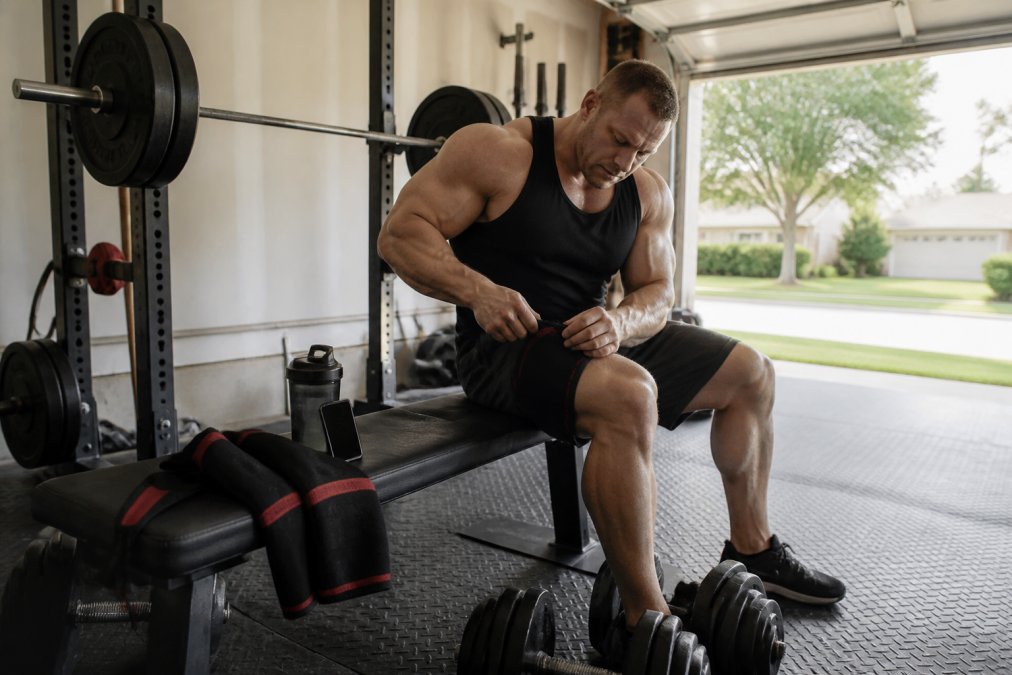
How to Build a Home Gym That Supports Your App Training
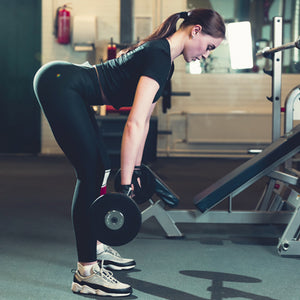
Home Workout Routine for Muscle Gain Using an App
| Day | Focus | Key Movements | Sets |
|---|---|---|---|
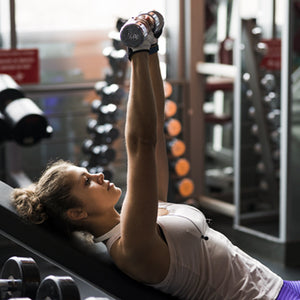
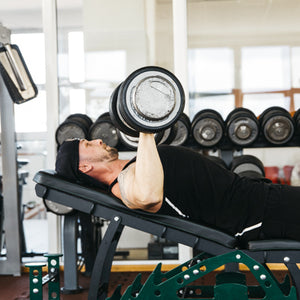
| 1 | Push | Bench press, overhead press, dips | 4-5 |
| 2 | Pull | Rows, pull-ups, curls | 4-5 |
| 3 | Legs | Squats, lunges, Romanian deadlifts | 4-5 |
| 4 | Accessory | Core, arms, rear delts | 3-4 |
Common Mistakes When Choosing a Home Training App
Key Takeaway The best app is the one you'll open every training day. Features matter, but consistency beats sophistication. Pick the app that removes friction from your routine, then stop shopping and start lifting.
Conclusion: Pick the App, Then Put in the Work
Frequently Asked Questions
What features should I look for in a home workout app?
Prioritize progression tracking, a deep exercise library, and the ability to log training volume. Top platforms now offer over 300 workouts and 200+ distinct exercises, per Centr's 2026 data. You also want offline access, wearable device integration, and clear rest day guidance. If you lift heavy, pick an app that tracks sets, reps, and load over time, not just calories burned.
Can you actually build significant muscle using only home workout apps?
Yes, if the app programs progressive overload and you have enough resistance. Caliber was named a top overall workout app for 2026 by Fortune for structured training plans that adapt to your equipment. Bodyweight exercises build real muscle when you push progression tracking, add training volume, and hit your protein targets. The app is the plan; your effort and load are the stimulus.
Are free workout apps as effective as paid subscriptions?
For beginners, often yes. FitOn was rated the best free fitness app of 2026 by a physiotherapy-led review for accessibility. Free tiers usually limit advanced performance analytics, form correction, and live coaching. If you are chasing muscle gain, a paid tier with progression tracking is usually worth it. If you just need structure and habit formation, stay free until you outgrow it.
How do I track my progress effectively without a personal trainer?
Log every set, rep, and weight in your app, then review weekly training volume and recovery tracking. Jefit, Strong, and Hevy were flagged in 2026 reviews for AI tracking and detailed logging. Pair that with wearable device integration for heart rate and sleep. Take monthly photos and tape measurements. The data does not lie, and it replaces the accountability a trainer would give you.
How do I choose a workout app that fits my specific fitness goals?
Match the app to your goal. Muscle building needs progression tracking and strength logging. Weight loss and cardiovascular health need HIIT and on-demand classes. Yoga, pilates, and barre need a dedicated mobility library. Check the subscription model, free trial length, and whether the app syncs with your equipment. Then run a two-week test before committing to a monthly fee.
Leave a comment